5 Open-Source NocoBase Alternatives
 Atakan Öztarak
NocoBase is one of the most versatile open-source no-code/low-code platforms out there. Its WordPress-like plugin architecture lets you build CRMs, project trackers, and internal tools without writing code. But NocoBase might not be the perfect fit for every use case, especially if you need something more developer-focused, spreadsheet-oriented, or with a different approach to building apps.
The good news? There are solid open-source alternatives you can self-host for a fraction of what commercial platforms charge. You can run any of these yourself or use Sliplane for just €9/month with full control, unlimited users, and your data stays on your servers.
Let's explore some open-source NocoBase alternatives.
1. NocoDB
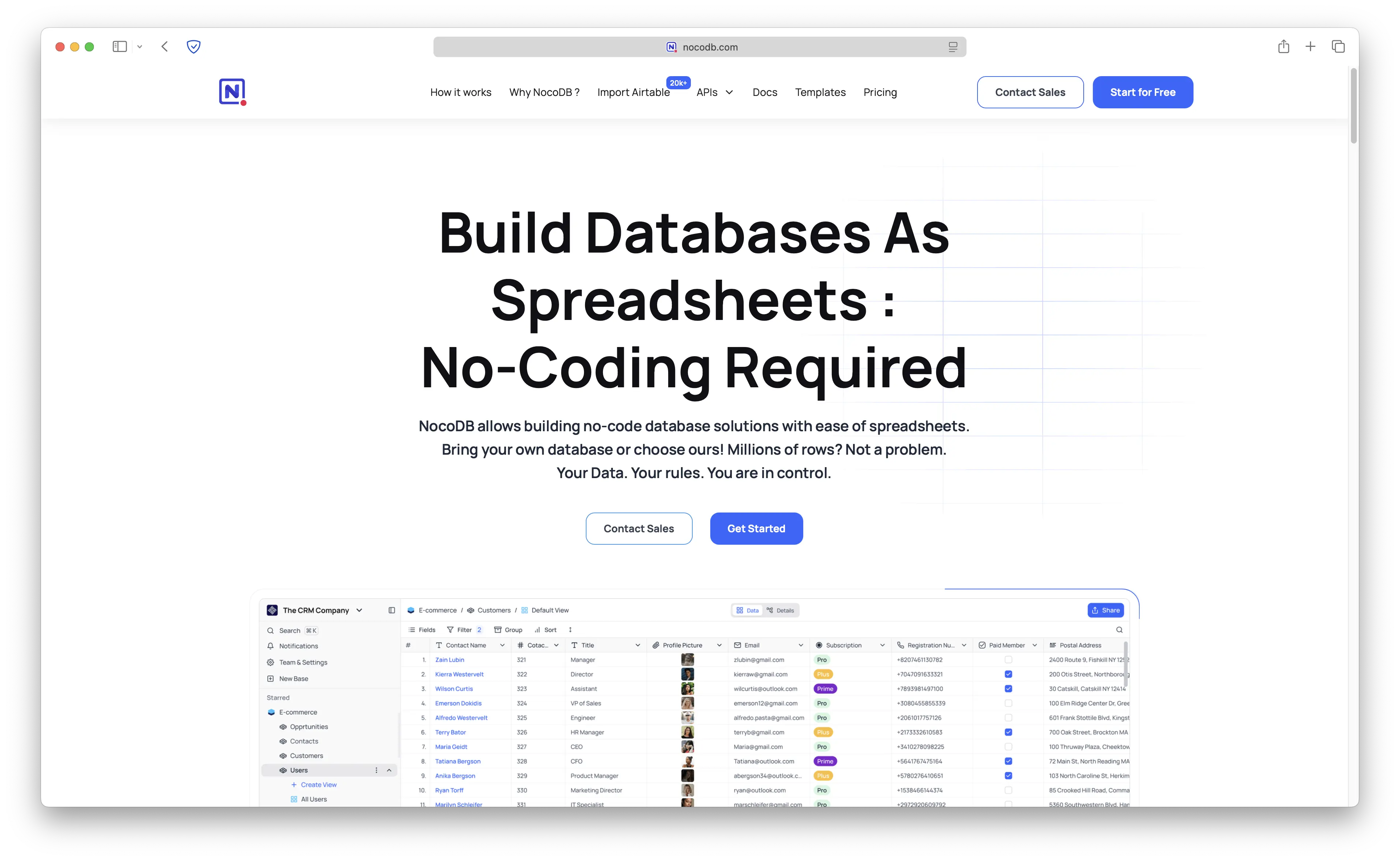
NocoDB is by far the most commonly confused with NocoBase, but they are completely different projects. NocoDB is an open-source Airtable alternative that turns any database into a smart spreadsheet interface. With over 50,000 GitHub stars, it's one of the most popular open-source database tools.
- Features: Spreadsheet-style interface on top of MySQL/PostgreSQL/SQLite, rich field types (attachments, checkboxes, lookups, rollups), form view, gallery view, kanban view, REST API, webhook integrations, and role-based access control.
- Why you should use it: If you need a visual, collaborative interface for your existing database without building a full application, NocoDB is perfect. Teams love it for simple data management, project tracking, and content management where a spreadsheet-style view is more natural than a custom app.
- Why not: NocoDB is a database interface, not an application builder. If you need custom business logic, workflows, or complex multi-page applications, NocoBase is the better choice.
- Pricing: Free (open-source, AGPLv3). NocoDB Cloud starts at $20/month.
We have a full guide on deploying NocoDB: Free Airtable Alternative: NocoDB Docker Deployment Guide
2. Budibase
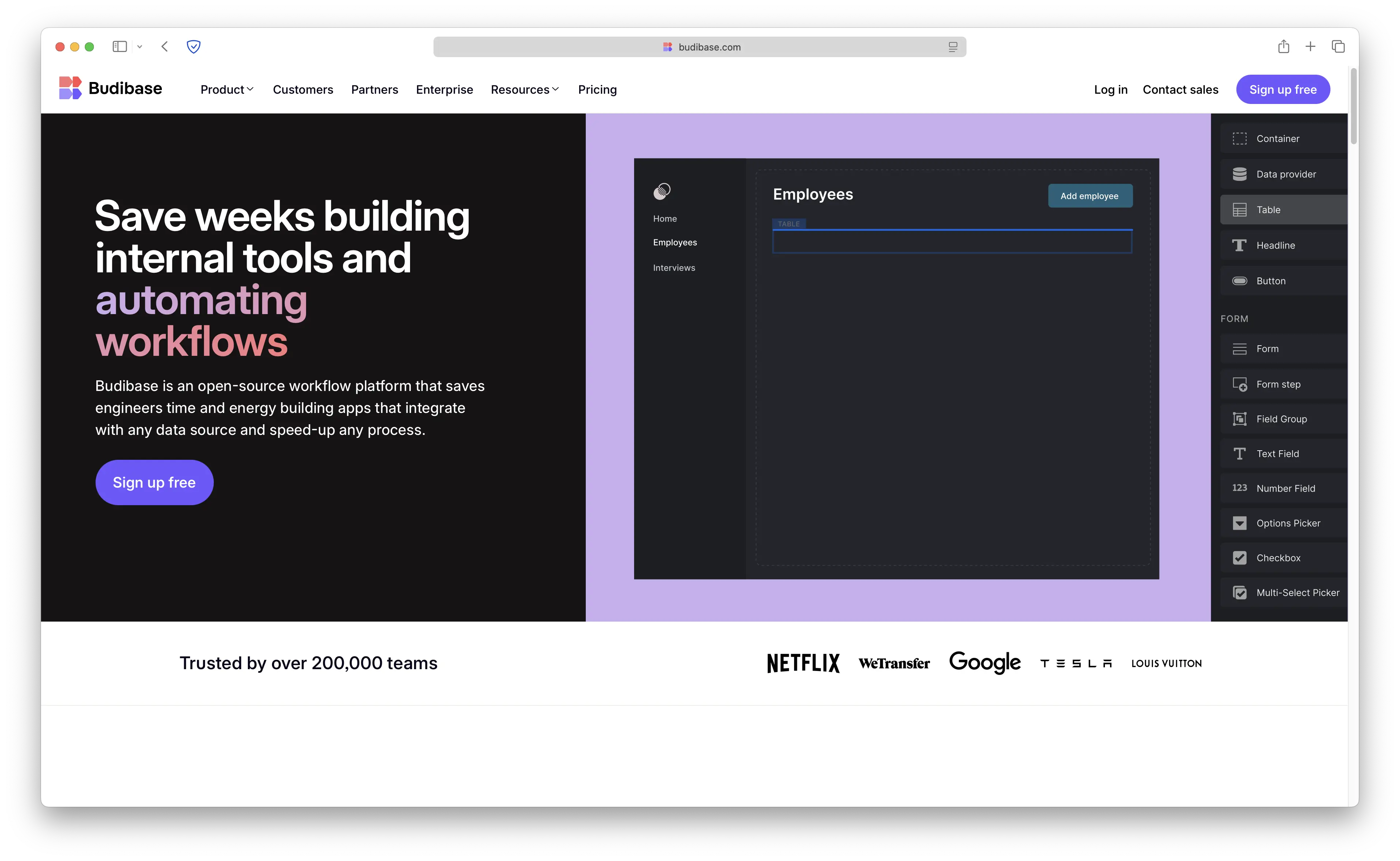
Budibase is an open-source low-code platform for building internal tools, forms, and workflows. With over 24,000 GitHub stars, it's focused on making it easy for non-developers to build data-driven applications quickly.
- Features: Drag-and-drop UI builder, built-in database, 30+ external data source connectors (PostgreSQL, MySQL, REST APIs, Google Sheets, Airtable), workflow automation engine with AI nodes, role-based access control, and self-hosting support.
- Why you should use it: If your team needs to quickly build CRUD applications and automated workflows with minimal coding, Budibase excels. The built-in database means you don't need to set up PostgreSQL separately for simple apps, and the automation engine is intuitive.
- Why not: Budibase lacks NocoBase's extensible plugin architecture. For complex, multi-faceted business applications or scenarios requiring deep customization, NocoBase offers more flexibility.
- Pricing: Free (open-source, GPLv3). Budibase Cloud starts at $50/month for 5 users.
3. Appsmith

Appsmith is a developer-first open-source low-code platform for building internal tools. With over 35,000 GitHub stars, it's built for teams that are comfortable with JavaScript and want maximum control over their applications.
- Features: 45+ pre-built widgets, drag-and-drop UI builder with JavaScript support, native database integrations (PostgreSQL, MongoDB, MySQL, Snowflake), REST and GraphQL API connectors, Git-based version control, AI copilot for generating SQL and JavaScript, and workflow automation.
- Why you should use it: If your team includes developers who want a visual builder but still need the flexibility to write custom JavaScript logic, Appsmith is a strong choice. The Git integration and code-first approach make it great for teams with existing development workflows.
- Why not: Appsmith requires more technical skill than NocoBase. Non-technical team members will struggle to build apps on their own. If you want a true no-code experience, NocoBase's visual builder is more accessible.
- Pricing: Free (open-source, Apache License 2.0). Appsmith Cloud has a free tier; paid plans start at $40/month.
4. ToolJet
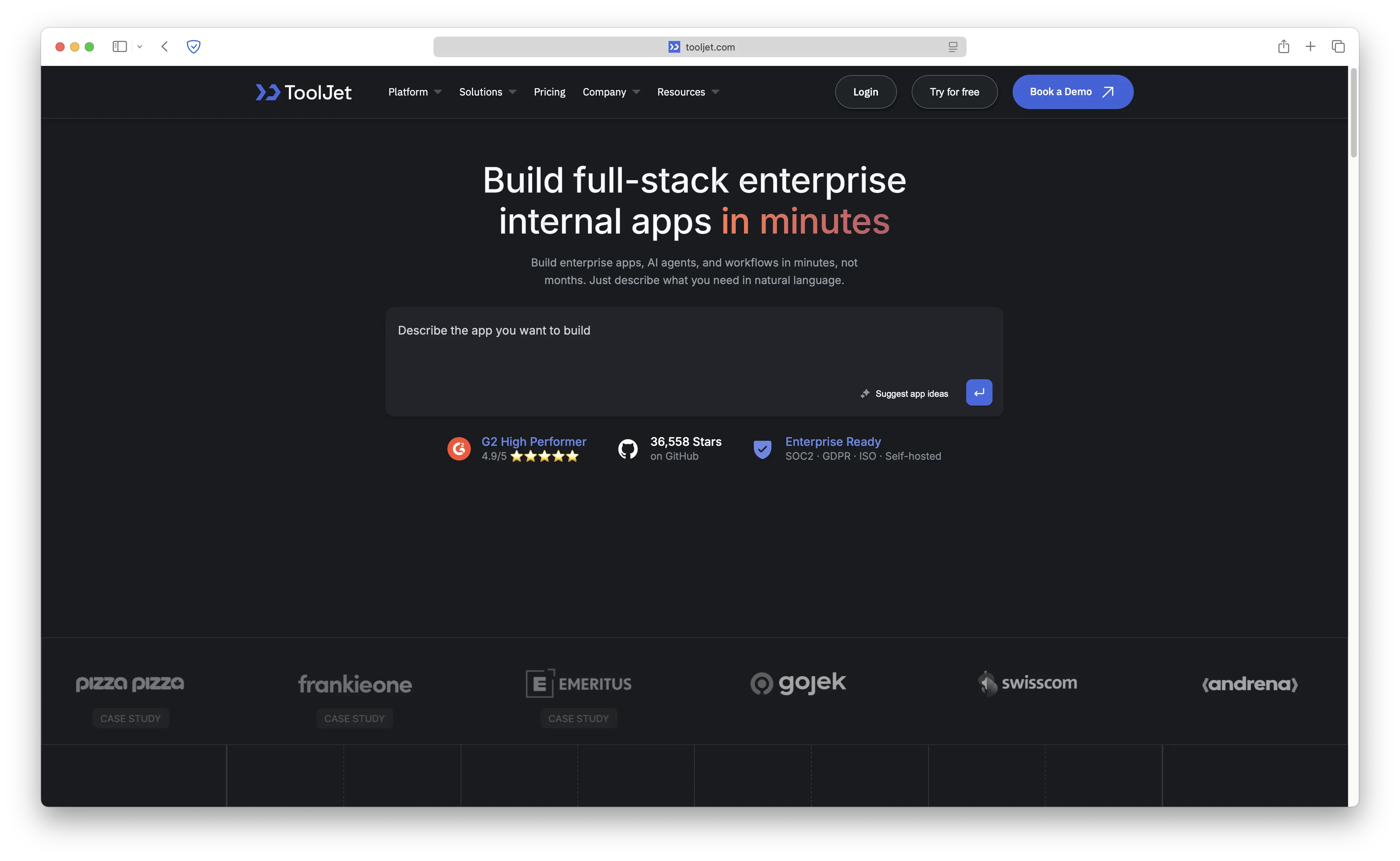
ToolJet is an AI-powered open-source low-code platform with over 35,000 GitHub stars. It positions itself as an "AI-first" platform, using AI to generate UIs, design database schemas, and debug applications from natural language.
- Features: AI-powered UI generation from text prompts, drag-and-drop builder with 60+ components, 75+ data source integrations (PostgreSQL, MongoDB, Slack, Stripe, Google Sheets), multiplayer editing, JavaScript and Python support, role-based access control, SSO, and audit logging.
- Why you should use it: If you want the cutting edge of AI-assisted app building, ToolJet's natural language interface for creating and modifying applications is impressive. The multiplayer editing feature is great for teams collaborating in real-time.
- Why not: Like Appsmith, ToolJet leans more toward developers than true no-code users. The AI features are powerful but still maturing. NocoBase's data-model-driven approach and plugin ecosystem may be more suitable for complex, structured business applications.
- Pricing: Free (open-source, AGPLv3). ToolJet Cloud has a free tier; paid plans start at $19/month.
5. Baserow
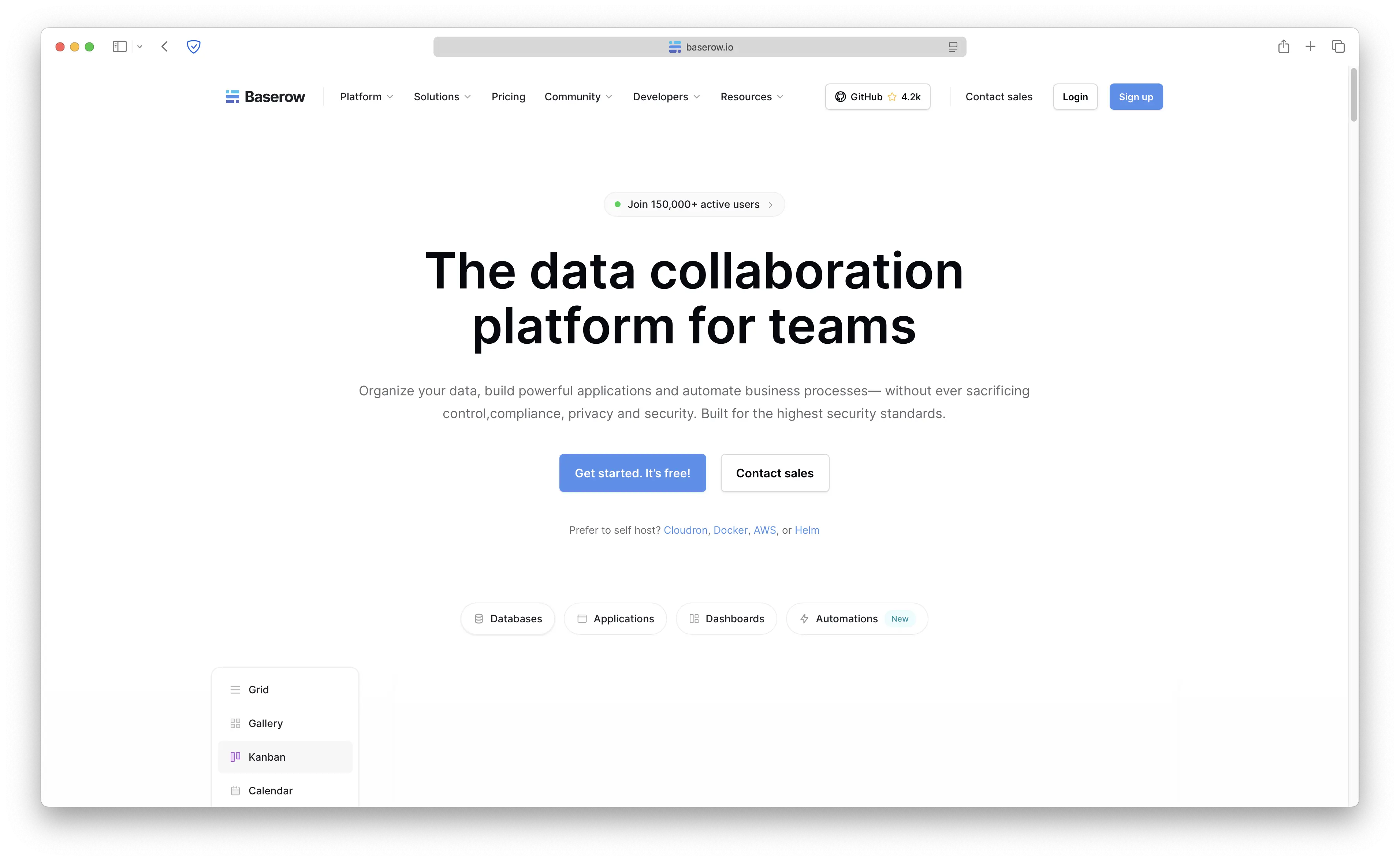
Baserow is an open-source no-code database platform and a strong Airtable alternative. It provides a visual table editor where teams can manage data collaboratively without technical knowledge.
- Features: Spreadsheet-style interface, 20+ field types, kanban view, form view, gallery view, calendar view, REST API, webhook integrations, real-time collaboration, row-level permissions, and self-hosting with full data ownership.
- Why you should use it: If you want a clean, user-friendly database tool that non-technical team members can use immediately, Baserow is excellent. It's simpler than NocoBase but that's the point: not every team needs a full application builder. For data management, content planning, and simple project tracking, Baserow is fast and intuitive.
- Why not: Like NocoDB, Baserow is a database interface, not an application builder. If you need custom pages, workflows, or complex business logic, NocoBase is the better fit.
- Pricing: Free (open-source, MIT License). Baserow Cloud has a free tier; paid plans start at €5/user/month.
Comparison
| Tool | Self-Hostable | Ease of Use | Best For | GitHub Stars | Starting Price |
|---|---|---|---|---|---|
| NocoBase | Yes | High | Plugin-driven business apps | 15,000+ | Free |
| NocoDB | Yes | High | Spreadsheet database UI | 50,000+ | Free |
| Budibase | Yes | High | Quick internal tools | 24,000+ | Free |
| Appsmith | Yes | Medium | Developer-first internal tools | 35,000+ | Free |
| ToolJet | Yes | Medium | AI-powered app building | 35,000+ | Free |
| Baserow | Yes | High | No-code database management | 12,000+ | Free |
Conclusion
Each alternative serves different needs: NocoDB for spreadsheet-style database management, Budibase for quick internal tools and workflows, Appsmith for developer-first JavaScript-heavy applications, ToolJet for AI-assisted app building, and Baserow for simple, collaborative data management.
That said, NocoBase has a unique advantage that none of these alternatives match: its plugin-based architecture. Just like WordPress lets you extend a website with plugins, NocoBase lets you extend your business applications with plugins for workflows, approvals, charts, data visualization, and more. This makes it incredibly flexible for teams that need to grow their tool over time without rebuilding from scratch.
My recommendation? If you need a full-featured no-code platform for building complex business applications with room to grow, start with NocoBase. It hits the sweet spot between flexibility and simplicity. If you just need a smart spreadsheet interface, NocoDB or Baserow will serve you better. And if your team is developer-heavy and prefers writing JavaScript, Appsmith or ToolJet give you more control.
Ready to get started with NocoBase? We have a couple of guides for you:
- How to Self-Host NocoBase (deploy in under 5 minutes with Sliplane)
- Self-hosting NocoBase on Ubuntu 24.04 with PostgreSQL (full step-by-step server setup)
- 5 Ways to Deploy NocoBase (compare all deployment options)
Or just head straight to Sliplane and deploy NocoBase for €9/month with no usage limits and unlimited users.
Cheers, Atakan